Short-form video has become the dominant content format across every major social platform. Instagram Reels, TikTok, YouTube Shorts, and LinkedIn video all reward creators who publish consistently with algorithmic visibility and audience growth. The problem is that producing high-quality video content at the volume these platforms demand traditionally required professional editing skills, expensive software, and significant time investment per video. Most creators cannot sustain the quality and quantity needed for meaningful social media growth.
AI video editing tools have fundamentally changed this equation in 2026. These platforms automate the most time-consuming aspects of video production including transcription and captioning, background removal, intelligent reframing for different aspect ratios, filler word removal, highlight identification, and even complete video assembly from raw footage. What used to take hours of manual editing now happens in minutes through AI-driven automation, enabling individual creators to produce content at a scale that previously required entire production teams.
After testing the leading AI video editing platforms across three months of active social media content production, publishing over 200 videos across multiple platforms, I have developed clear assessments of which tools genuinely accelerate production and which ones create more problems than they solve. The differences are significant, and the right choice depends heavily on your specific content format, publishing volume, and technical comfort level.
The Five Critical AI Video Editing Capabilities in 2026
Understanding what modern AI video editors actually do helps you evaluate tools based on your real needs rather than marketing promises. Five core capabilities define the category in 2026.
Auto-transcription and captioning converts spoken audio to editable text and places synchronized subtitles on screen. This has become baseline functionality available in most serious editing tools, and it matters enormously because over 80 percent of social media viewers watch videos with sound off initially. Captions determine whether someone continues watching or scrolls past. The best tools deliver 95 percent or higher accuracy across multiple languages and allow easy correction of transcription errors.
Background removal identifies and isolates human subjects from their environment in real time, eliminating the need for physical green screens or post-production masking. This capability enables professional-looking talking head videos in any environment, from home offices with messy backgrounds to outdoor locations with distracting elements. Quality varies significantly between tools, with the best achieving clean edges around hair and complex outlines that earlier AI solutions struggled with.
Intelligent reframing tracks moving subjects in horizontal footage and automatically crops to vertical format suitable for mobile-first platforms. This solves one of the most tedious cross-posting challenges, which is manually reformatting landscape video for portrait orientation while keeping the subject properly framed and avoiding awkward cropping that cuts off heads or important visual elements.
Auto-assembly and highlight identification takes long-form content such as podcasts, interviews, or keynote presentations and uses AI to identify the most engaging segments for repurposing into short-form clips. This capability has become essential for content creators who produce long-form content and need to extract multiple short clips for social distribution. The best tools don’t just identify highlights; they reformat them with appropriate captions, transitions, and visual overlays optimized for each target platform.
Generative video capabilities produce video content from text or image prompts, a capability that has matured significantly through 2025 and 2026. While still not capable of replacing traditional video production for complex narratives, generative video excels at creating B-roll footage, transitional elements, and visual effects that enhance edited content without requiring stock footage libraries or original filming.
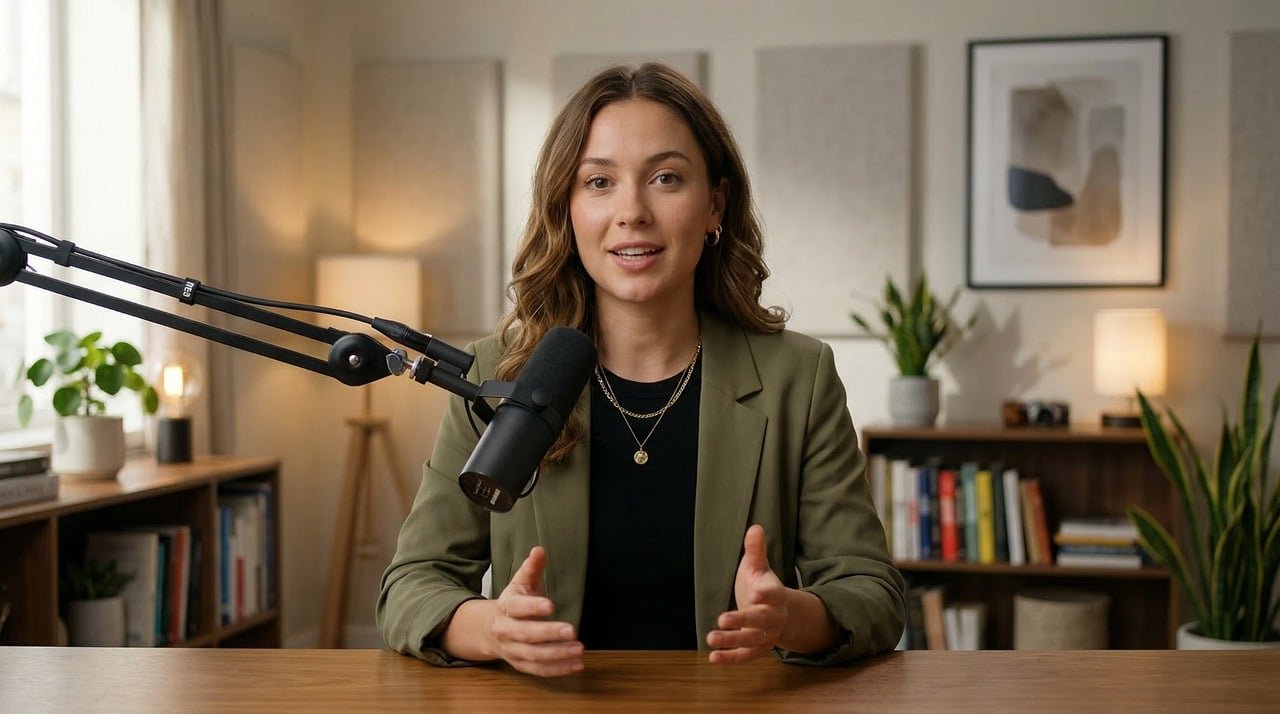
Top AI Video Editing Tools for Social Media in 2026
1. CapCut — Best Free AI Editor for Social Media Content
CapCut has established itself as the most capable free AI video editor available for social media content creation, and the platform continues expanding its capabilities at a pace that competitors struggle to match. The tool combines professional-grade editing features with an interface accessible enough for creators with zero editing experience, making it the default choice for millions of social media content producers worldwide.
The AI capabilities are comprehensive. Auto-caption generation delivers accurate subtitles in multiple languages with customizable styling options that match current social media design trends. The script-to-video workflow transforms written content into structured video with AI-generated scenes, voiceovers, and transitions, enabling creators to produce complete videos from blog posts or content outlines without filming anything. AI voiceovers offer multiple realistic voice styles with real-time synchronization, eliminating the need for microphone recording sessions.
The template ecosystem represents CapCut’s most significant competitive advantage. Over 1,200 pre-designed templates cover every major social media format and trending style, allowing creators to produce on-trend content by simply swapping in their own text, images, and video clips. This template-driven approach dramatically reduces production time while maintaining professional visual quality. The background removal feature works cleanly for most scenarios, and the AI-powered auto-captions handle the tedious work of subtitling that consumed hours of manual effort in traditional workflows.
Where CapCut falls short is in advanced transcript-based editing. Unlike Descript, you cannot edit video by modifying its transcription text. Adjusting the video transcript requires using separate transcription tools first, as native transcript editing capabilities remain limited. For creators whose workflow centers on spoken content that needs precise editing, this limitation means CapCut serves better as a finishing and formatting tool rather than a primary editing environment.
Pricing: Free version provides comprehensive editing with 1080p export and no watermark on basic features. Standard plan at $9.99 per month unlocks Pro templates and advanced AI features. Professional plan adds additional capabilities for power users.
Best for: Social media creators who need comprehensive editing capabilities at minimal cost, TikTok and Instagram Reels producers who want trending templates, and content creators who value mobile editing alongside desktop workflows.
2. Descript — Best for Transcript-Based Editing and Podcast Content
Descript pioneered the concept of editing video by editing text, and the approach remains unique in the market. The platform transcribes your video content automatically, then lets you edit the video by simply deleting, moving, or modifying the transcription text. Remove a sentence from the transcript, and the corresponding video segment disappears. This workflow revolutionizes editing for content-heavy video like podcasts, interviews, tutorials, and educational content where spoken words drive the narrative.
The AI capabilities extend beyond basic transcription. Overdub voice synthesis can generate new narration in your own voice to correct mistakes without re-recording, a capability that sounds futuristic but works remarkably well for minor corrections. The filler word removal feature automatically identifies and eliminates instances of “um,” “uh,” “like,” and other verbal tics that make spoken content sound unpolished. AI-powered noise reduction cleans up audio quality without manual equalization or compression settings.
The multi-track video and audio editing environment provides professional capabilities including screen recording, which makes Descript particularly valuable for tutorial content and software demonstrations. The collaboration features enable real-time team editing with comments and version history, supporting production workflows that involve multiple contributors. Automatic transcription and captioning work across multiple languages with high accuracy.
The limitation is visual effects and social media optimization. Descript focuses on content editing rather than visual enhancement, so creators looking for flashy transitions, animated captions, trending effects, or platform-specific formatting will find the visual toolkit basic compared to CapCut or dedicated social media editors. The interface, while logical once understood, requires an adjustment period for creators accustomed to traditional timeline-based editing.
Pricing: Free tier includes 60 minutes of transcription per month with watermark. Hobbyist plan at $16 per month removes limitations. Pro plan at $33 per month adds advanced features including Overdub and premium export options.
Best for: Podcast producers who need efficient audio and video editing, educational content creators whose videos are primarily speaking-head format, and teams producing interview or discussion content that benefits from transcript-based workflow.

3. Opus Clip — Best for Long-to-Short Video Repurposing
Opus Clip addresses a specific but extremely common content creation challenge: extracting multiple short clips from long-form video content for social media distribution. If you produce podcasts, YouTube videos, webinars, or any long-form content and need to create short clips for TikTok, Instagram Reels, YouTube Shorts, or LinkedIn, Opus Clip automates this repurposing process more effectively than any competing tool.
The workflow is straightforward. Upload a long video, and the AI analyzes the content to identify the most engaging segments based on conversation value, emotional peaks, visual interest, and audience retention patterns. The platform then generates 10 to 20 short clips automatically, each formatted vertically with appropriate captions, emoji overlays, and visual treatments optimized for social media engagement. Each clip receives a Virality Score predicting its potential performance, helping creators prioritize which clips to publish first.
The auto-publishing feature connects directly to social media platforms, enabling scheduled distribution without manual download and re-upload. Combined with AI-powered clip selection, this creates a nearly automated content repurposing pipeline that transforms one long video into a week of social media content in minutes rather than hours.
Users report that Opus Clip videos achieve 35 percent higher engagement on YouTube Shorts compared to manually created clips, attributed to the AI’s ability to identify genuine value moments rather than arbitrary time segments. The platform handles jump-cuts, re-arrangement for narrative coherence, hook insertion at clip openings, and filler removal that makes short clips feel polished and intentional rather than randomly excerpted.
The limitation is scope. Opus Clip does not replace a full video editor. You cannot use it to create original content, add custom graphics, design complex transitions, or perform detailed editing work. It excels at its specific function of long-to-short repurposing but does not address the broader video editing needs of creators who produce original short-form content.
Pricing: Free tier includes 60 minutes of video processing per month with watermark. Starter plan at $15 per month provides additional processing time and removes watermarks. Growth and Pro plans offer higher volume for active content producers.
Best for: Podcasters, YouTube creators, and webinar producers who need to efficiently repurpose long-form content into multiple short clips for social media distribution across platforms.
4. Runway — Best for AI-Generated Visual Effects and B-Roll
Runway occupies the creative end of the AI video editing spectrum, focusing on generative video capabilities that enable creators to produce visual content that would be impossible or prohibitively expensive through traditional filming. The platform has become the go-to tool for AI-generated video effects, cinematic transitions, and creative visual elements that distinguish high-quality social media content from generic template-based productions.
The text-to-video generation creates realistic video clips from written descriptions, enabling creators to produce B-roll footage, atmospheric establishing shots, and creative visual metaphors without filming anything. Image-to-video animation transforms still images into dynamic video sequences, bringing photographs and graphics to life with motion and camera movement. The AI-powered inpainting removes unwanted objects from video footage while maintaining natural background continuity, and the motion tracking capabilities enable sophisticated visual effects that previously required professional compositing software.
For social media creators, Runway’s value lies in its ability to add production value that would otherwise require expensive stock footage subscriptions, professional filming, or advanced post-production skills. A creator discussing climate change can generate cinematic environmental footage. A technology reviewer can create futuristic interface visualizations. A fitness instructor can produce dynamic background elements that elevate production quality beyond a simple camera setup.
The platform requires more creative vision than other tools on this list. Rather than automating routine editing tasks, Runway provides powerful generative capabilities that reward users with specific creative ideas and visual concepts. It functions more as a creative tool for enhancing content than as an automation platform for streamlining production workflows.
Pricing: Free tier includes limited generative credits. Standard plan at $15 per month provides substantial credits for regular content creation. Pro and Unlimited plans support high-volume professional use.
Best for: Creative content producers who want to add unique AI-generated visual elements to their videos, brands seeking distinctive visual content that differentiates from template-based competitors, and creators comfortable with experimental AI technology.
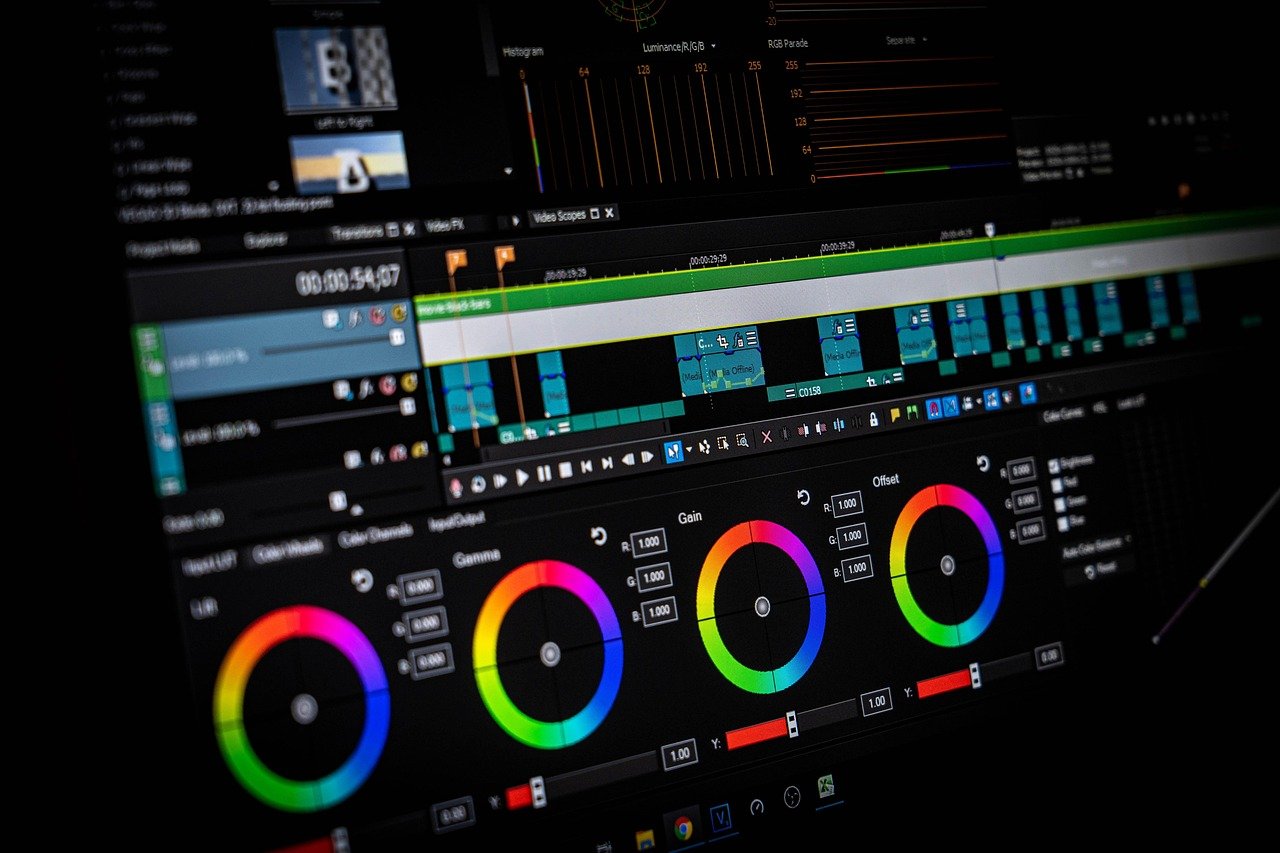
Comparison Table: AI Video Editing Tools for Social Media
| Tool | Best For | Auto Captions | Background Removal | Transcript Editing | Starting Price |
|---|---|---|---|---|---|
| CapCut | Complete social media editing | Excellent, multi-language | Very Good | Limited | Free / $9.99/mo |
| Descript | Podcast and speaking content | Very Good, multi-language | Good | Industry-leading | Free / $16/mo |
| Opus Clip | Long-to-short repurposing | Excellent with styling | Not applicable | Not applicable | Free / $15/mo |
| Runway | AI-generated visual effects | Basic | AI inpainting | Not applicable | Free / $15/mo |
Building an AI Video Editing Workflow for Social Media
The most effective approach combines multiple tools based on their individual strengths rather than attempting to force a single platform to handle every aspect of video production. Based on three months of testing, the following workflow delivers the highest quality output with the most efficient time investment for social media content creators.
For original short-form content like talking-head videos, tutorials, and social media updates, CapCut provides the best balance of capability and efficiency. Record your content, import into CapCut, use auto-caption generation for accessibility and engagement, apply background removal if needed, select an appropriate template or design custom formatting, and export in platform-specific dimensions. The entire process takes 15 to 30 minutes per video once you develop familiarity with the interface.
For repurposing long-form content like podcasts and YouTube videos into social media clips, Opus Clip handles the initial extraction and formatting automatically. Upload your long video, review the AI-generated clips and their Virality Scores, make minor adjustments to clip selection and caption styling if needed, then schedule publication across your social platforms. What used to consume three to four hours of editing time compresses into 20 to 30 minutes.
For adding production value to any video content, Runway generates custom B-roll, visual effects, and creative elements that elevate your content beyond what templates and stock footage can achieve. Even incorporating two or three AI-generated clips per video creates visual distinction that audiences notice and algorithms reward.
For content that centers on spoken communication like interviews, educational content, and podcast-style videos, Descript’s transcript-based editing workflow eliminates the tedium of reviewing hours of footage to identify and remove mistakes, filler words, and awkward pauses. Edit the transcript, and the video edits itself, then export the polished content for distribution or further refinement in CapCut for social media formatting.
The AI video editing landscape in 2026 enables individual creators to produce content at a volume and quality level that previously required dedicated production teams. The tools have matured from experimental novelty into reliable production infrastructure, and the creators who adopt these workflows gain meaningful competitive advantages in the increasingly crowded social media content environment.
\n\n\n