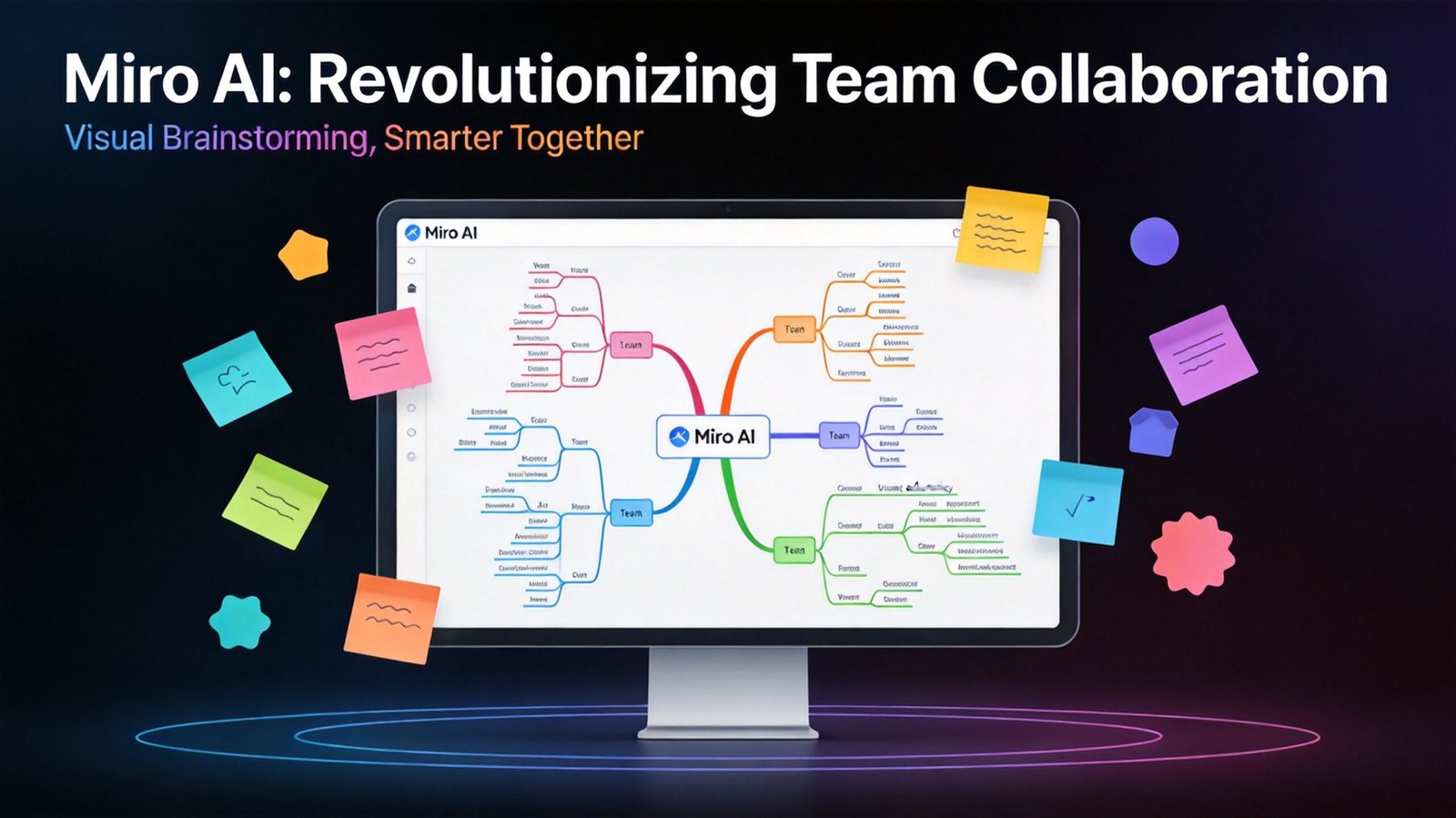
# Miro AI Review 2026: Where Brainstorms Finally Become Plans

**Rating: 8.5/10** | **Price: Free tier + $16/user/month (Business)** | **Best for: Visual collaboration, strategic planning, design thinking**
## Introduction
I’ve been a Miro user since 2019. For most of that time, Miro was just a nicer whiteboard with better sticky notes. In 2026, that changed. With Miro Flows and AI Sidekicks, Miro has transformed from a collaboration tool into an intelligent workflow partner. Here’s why this matters for teams and professionals.
## Key Features
### 1. Miro Flows
Visual, multi-step AI workflows that run directly on your canvas. Draw messy ideas, connect them with a Flow, and Miro converts everything into structured deliverables.
**What Flows can produce:**
– Content calendars with themes and post formats
– Project timelines and milestones
– User journey maps
– Product prototypes
– Process documentation
### 2. AI Sidekicks
Conversational AI agents that live inside your board. @mention them like a teammate and they:
– Observe context automatically
– Notice patterns you might miss
– Challenge your assumptions
– Suggest improvements via comments
– Accept changes with one click
**The killer feature:** Sidekicks actually disagree with you. They caught a positioning statement error in my work that I’d been staring at for hours.
### 3. Enhanced Collaboration
– Real-time multiplayer editing
– Infinite canvas
– 1,000+ templates
– Integrations with Slack, Jira, Notion, and more
### 4. Presentation Mode
Turn your board into a guided presentation with smooth transitions between sections.
## Pricing
| Plan | Price | Key Features |
|——|——-|————–|
| Free | $0 | 3 boards, basic features |
| Starter | $16/user/mo | Unlimited boards, integrations |
| Business | $16/user/mo | AI features, advanced permissions |
| Enterprise | Custom | SSO, analytics, support |
## Who Should Use Miro?
**Ideal for:**
– Design thinking workshops
– Strategic planning sessions
– Content calendar creation
– Product roadmapping
– Remote team collaboration
## Pros and Cons
### Pros
✓ Flows turn chaos into structure
✓ Sidekicks catch blind spots
✓ Beautiful, intuitive interface
✓ Strong template library
✓ Excellent integrations
### Cons
✗ AI features locked behind paid plans
✗ Can be overkill for simple tasks
✗ Learning curve for new users
✗ Mobile experience not as robust
## Final Verdict
Miro has evolved into something genuinely useful beyond “fancy whiteboard.” Flows and Sidekicks make it a strategic tool, not just a collaboration space. If your work involves planning, brainstorming, or strategy, Miro + AI is worth the investment.
**Recommendation:** Start with the free tier to understand the canvas. Upgrade to Business for AI features if you’re serious about visual strategy.
—
*Published on April 23, 2026 | Category: AI Productivity Tools*