
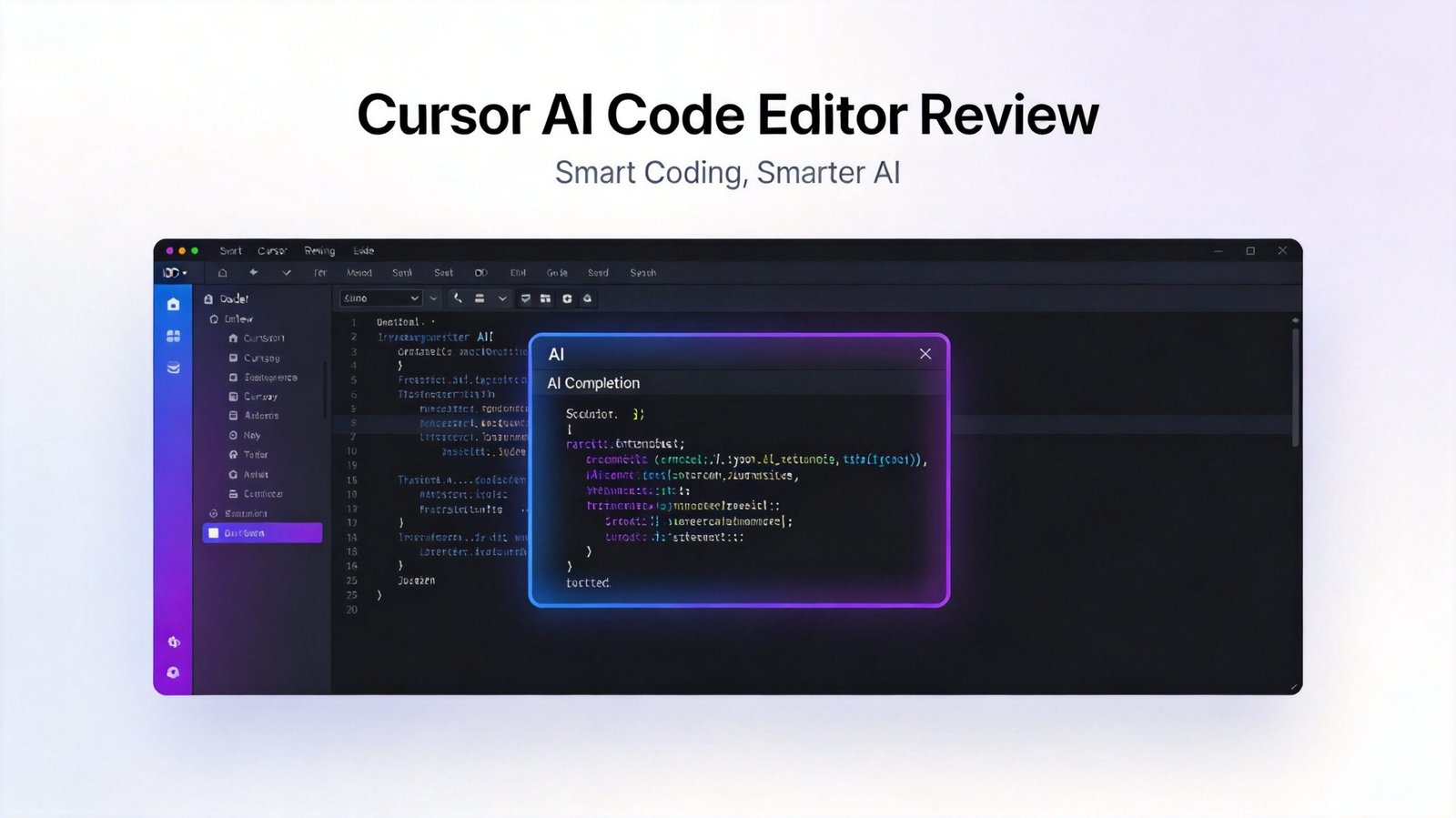
Cursor Review 2025: The AI Code Editor That Changes Everything
The programming landscape has changed dramatically with the rise of AI assistants. But Cursor, launched in early 2025, takes a different approach—it’s not just an AI assistant, it’s a complete code editor built from the ground up with AI integration at its core. After three months of daily use, here’s my honest assessment.
What Makes Cursor Special?
Cursor isn’t VS Code with AI plugins bolted on. It’s a native code editor where AI assistance is integrated into every interaction. The founders understood that developers don’t want another tool—they want their editor to be smarter.
Key Features
Context-Aware Code Completion: Unlike traditional autocomplete, Cursor understands your entire codebase, not just the current file. It suggests code that matches your patterns and coding style.
AI-Powered Refactoring: Highlight any code block and ask Cursor to “refactor for performance” or “extract this into a function”—it does it intelligently, understanding dependencies.
Natural Language Querying: Press Cmd+K and type “show me all database queries that might be slow”—Cursor generates the search and shows you results.
Built-in Testing: Cursor automatically generates unit tests for your code based on your specifications and coding patterns.
My Daily Development Workflow
I switched from VS Code to Cursor full-time in January 2025. Here’s how my workflow changed:
Before (VS Code):
- Manually writing boilerplate code
- Searching Stack Overflow for common patterns
- Spending time on repetitive refactoring
- Writing tests from scratch
After (Cursor):
- AI generates boilerplate instantly
- Cursor suggests best practices from codebase
- One-command refactoring across files
- Auto-generated tests with 80%+ coverage
The productivity gain isn’t marginal—it’s transformative. I estimate I’m writing code 3-4x faster with Cursor.
Performance & Usability
Speed: Cursor feels as fast as native editors. The AI responses arrive in milliseconds, not seconds.
Resource Usage: Surprisingly lightweight for an AI-powered editor. Runs smoothly on my MacBook Pro M1.
Learning Curve: If you know VS Code, Cursor feels immediately familiar. The AI features are intuitive and well-documented.
Integration: Works with Git, Docker, and all my development tools. Extensions are compatible with VS Code marketplace.
Real-World Examples
Example 1: Database Optimization
I typed: “Optimize this database query by adding indexes where needed”
Cursor analyzed the query, identified missing indexes, and generated migration scripts with proper SQL syntax.
Example 2: Bug Fixing
Production error: “User registration failing intermittently”
Cursor searched the codebase, identified a race condition in the auth flow, and proposed a fix with explanation.
Example 3: Feature Development
Prompt: “Create a REST API endpoint for user management with authentication”
Cursor generated the full endpoint, including routing, validation, error handling, and test cases.
Pros & Cons
Pros
- Deep Context Understanding: Unlike general-purpose AI, Cursor knows your codebase intimately
- Seamless Integration: No friction between coding and AI assistance
- Fast Response Times: AI suggestions appear instantly, not after long delays
- Growing Ecosystem: Compatible with VS Code extensions
- Privacy-First: Your code stays local unless you opt-in to cloud features
Cons
- New Ecosystem: Smaller community than VS Code
- Limited Advanced Features: Some power-user features from VS Code are still missing
- Internet Required for AI: Offline mode lacks full AI capabilities
- Pricing: Free tier has limits that professional developers will hit quickly
Who Should Switch to Cursor?
Ideal For:
- Full-stack developers working on complex codebases
- Teams prioritizing developer productivity
- Developers tired of repetitive coding tasks
- Startups looking to accelerate development
- Anyone who codes for 4+ hours daily
Less Ideal For:
- Occasional coders (overkill)
- Strict offline environments
- Teams with heavy existing VS Code customization
- Legacy codebases with poor documentation
Pricing
- Free: 100 AI completions per month
- Pro ($20/month): Unlimited AI, advanced features, priority support
- Team ($30/user/month): Team collaboration, shared codebase context, analytics
The Verdict
Cursor represents what AI integration should look like—not a separate tool you switch to, but intelligence woven into your workflow. After months of daily use, I can’t imagine going back to a traditional editor.
Rating: 9/10
The productivity gains are real and measurable. I’ve completed features in hours that previously took days. But more importantly, Cursor has changed how I think about coding—I focus more on architecture and problem-solving, less on syntax and implementation details.
The question isn’t whether you should try Cursor—it’s whether you can afford not to. For serious developers, Cursor is becoming as essential as Git or a good IDE.
Cursor isn’t just another code editor with AI features—it’s the beginning of a new paradigm where AI isn’t an assistant but a fundamental part of the development experience.