
# Cursor 2.0 Review 2026: The Multi-Agent IDE Redefining Software Development
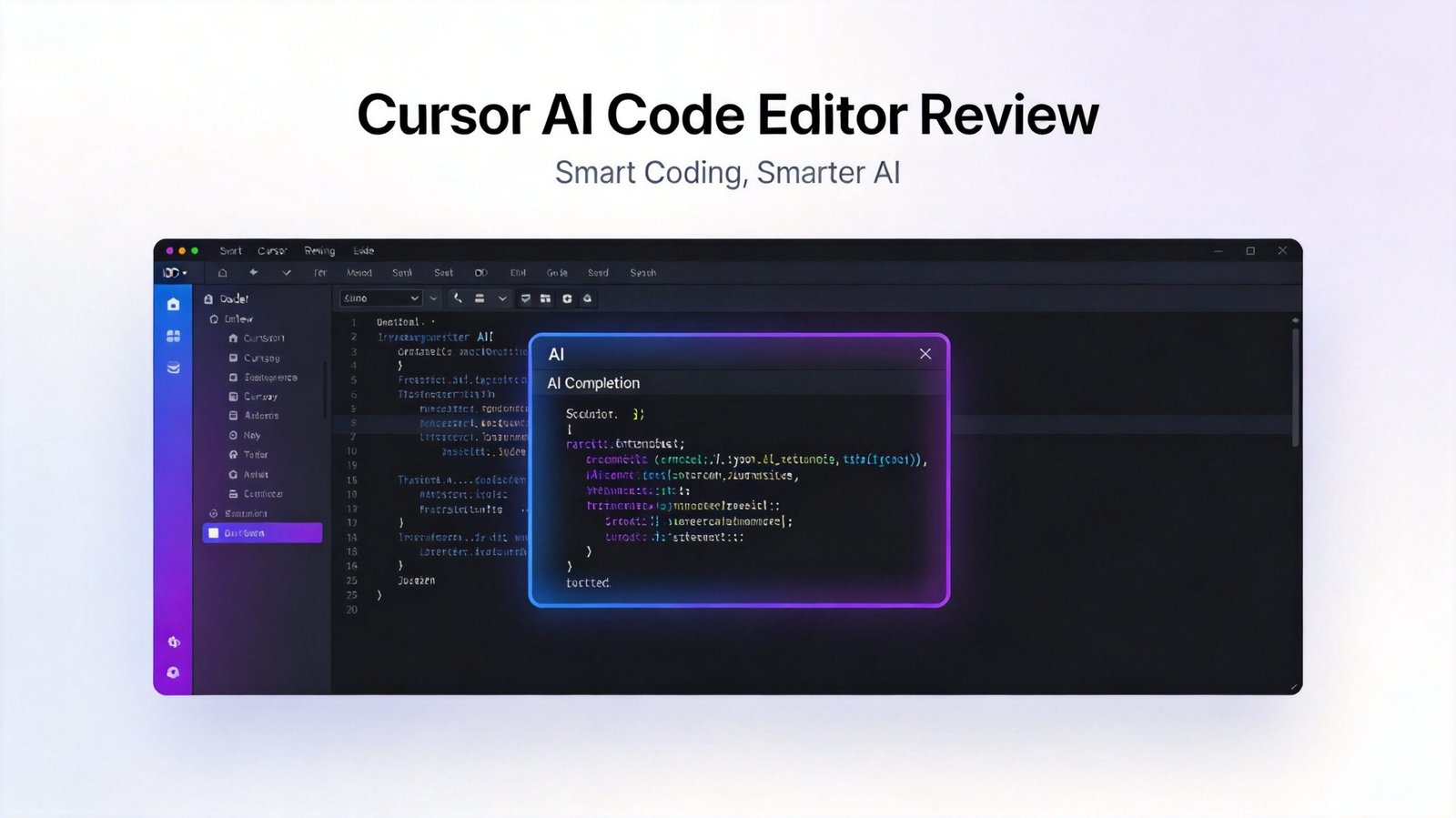
**Cursor** is an AI-native code editor built as a fork of VS Code with AI embedded into every editing workflow. As of 2026, Cursor has undergone its most significant evolution yet, with the release of Cursor 2.0 — a pivot from a chat-centric interface to a multi-agent orchestration console that positions the editor as a “digital engineering team manager” rather than a single AI assistant. This review covers everything you need to know about Cursor 2.0 in 2026.
## What is Cursor 2.0?
Cursor is not a VS Code extension with AI bolted on — it is a VS Code fork built from the ground up to make AI a first-class citizen in the development environment. Every feature — tab completion, inline editing, multi-file changes, autonomous agent mode — is designed around AI as the primary interface paradigm, not as a secondary add-on.
Cursor 2.0 introduces the most significant paradigm shift in the editor’s history. Where previous versions centered on a single chat interface that you interacted with to generate code, Cursor 2.0 replaces that model with a multi-agent workforce orchestration layer. You are no longer talking to one AI — you are managing a digital engineering team within your editor.
## Core Features of Cursor 2.0
### Multi-Agent Orchestration
The headline feature of Cursor 2.0 is its new Mission Control sidebar, which replaces the single chat pane with a multi-agent dispatch console. From this interface, you can deploy concurrent specialized agents to work on isolated architectural components simultaneously. For example, you can spawn a Frontend Architect agent and a Backend Database agent at the same time, providing a single Product Requirements Document (PRD), and the system subdivides tasks between them.
Agents operate on discrete architectural layers — database schemas, API routes, UI components — and their outputs are parsed and logically merged by Cursor’s Shadow Virtual File System (SVFS) before being presented to the human developer for final approval. This entirely eliminates the “Diff Collision” problem that historically prevented concurrent AI editing of the same codebase.
### Composer Model V2 — 4x Faster
Cursor 2.0’s internal Composer V2 model delivers dramatically improved performance:
| Metric | Cursor 1.0 (Sonnet 3.5) | Cursor 2.0 (Composer V2) | Improvement |
|——–|————————-|————————|————-|
| Multi-file edit time (10 files) | ~42 seconds | ~9 seconds | 4.6x faster |
| Self-healing tests success rate | 55% | 89% | +34% accuracy |
| Agent context window | 200K tokens | 500K tokens | 2.5x larger |
| Time-to-first-token (TTFT) | Baseline | -75% | ~4x faster |
The Composer model leverages advanced caching similar to DeepSeek V3’s Engram memory, retaining up to 500,000 tokens of strictly project-relevant context at a fraction of the hardware cost of equivalent context windows from competing tools.
### Shadow Virtual File System (SVFS)
The SVFS is the technical foundation that makes multi-agent concurrency safe. When multiple AI agents write to the same codebase concurrently, traditional systems produce git merge conflicts and corrupted data states. SVFS solves this by having agents write to discrete virtual trees, which are then parsed, logically merged, and presented to the developer as a single, clean diff for one-click approval. This eliminates race conditions entirely.
### Inline Editing and Tab Completions
Cursor’s core editing features remain best-in-class in the AI IDE space:
– **Cmd+K (inline editing)** — select any code block and ask the AI to refactor, rewrite, or explain it. Shows diffs before applying changes.
– **Tab (Supercomplete)** — inline autocomplete that uses repo context and recent edits to predict what the developer is likely to write next. Often completes multi-line blocks correctly.
– **Cmd+L (chat panel)** — ask questions about the codebase, request larger changes, reference specific files or folders.
### Codebase Indexing and Context Awareness
Cursor indexes the entire repository for context-aware answers. The chat interface understands project structure and can reference specific files, folders, or the entire codebase in any query. The 500K token context window in Composer mode means entire large codebases can be held in context simultaneously.
### Multi-Model Support
Cursor 2.0 supports multiple AI models including:
– Claude Opus 4.6 and Sonnet 4.6 (Anthropic)
– GPT-5 and GPT-4o (OpenAI)
– Gemini 2.5 Pro (Google)
– DeepSeek V4 coding model (on Max tier)
– Bring-your-own-key (BYOK) for custom model integration
### Privacy Mode
For developers working with commercial codebases, Privacy Mode routes queries without retention on Cursor’s servers. Enterprise tier extends this further with SOC 2 compliance and local SVFS hosting options.
## Pricing
| Plan | Monthly Price | Key Features |
|——|————-|————-|
| Hobby (Free) | $0 | 2,000 completions/mo, 50 premium requests/mo, basic models |
| Pro | $20/mo | Unlimited completions, 500 premium requests/mo, all models, Composer access |
| Max | $50/mo | 2,000 fast requests, concurrent multi-agent (up to 4 workers), DeepSeek V4 |
| Business | $40/user/mo | Everything in Pro + admin controls, SSO, usage analytics, enforced Privacy Mode |
| Enterprise | Custom | Unlimited agents, SOC 2, local SVFS hosting, dedicated support |
The advanced multi-agent concurrent dispatch feature requires the Max tier at $50/month. Pro at $20/month remains the baseline for most individual developers.
## Pros of Cursor 2.0
– **Multi-agent orchestration is genuinely paradigm-shifting** — managing multiple specialized AI agents within your editor changes the nature of AI-assisted development
– **4x faster Composer model** — time-to-first-token reduced by ~75%, making AI interactions feel nearly instantaneous
– **SVFS eliminates merge conflicts** — concurrent agent editing is now safe and practical
– **500K token context window** — larger than any competitor, enabling entire codebases in context
– **VS Code compatibility** — most extensions, themes, and keybindings carry over directly from VS Code
– **Best Tab completions in the category** — genuinely predictive multi-line completions that understand project context
– **Multi-model flexibility** — choose between Claude, GPT, Gemini, and DeepSeek based on your preference
– **Generous free tier** — 2,000 completions and 50 premium requests per month for evaluation
## Cons of Cursor 2.0
– **Max tier required for full multi-agent features** — $50/month is a meaningful cost increase over the $20 Pro tier
– **Pricing changes have tightened limits** — 2024 pricing was notably more generous; Pro tier limits have been reduced over 2024–2025
– **Premium model request limits can be reached quickly** — 500 requests/month sounds large but heavy Composer use can burn through them
– **Closed-source** — creates a dependency on the Cursor team for future development
– **Resource-heavy** — more RAM usage than vanilla VS Code, particularly during codebase indexing
– **Occasional AI hallucinations** — even with 89% self-healing test success, the remaining 11% can introduce bugs
– **Privacy concerns for commercial codebases** — Privacy Mode helps but requires opt-in and Enterprise tier for full guarantees
## User Experience
Cursor 2.0 is at its most powerful when used for greenfield projects and rapid vertical slice feature building. The ability to dispatch a Frontend Architect agent and a Backend Database agent simultaneously — and have them produce logically merged, non-conflicting code — genuinely changes the workflow. For building full-stack features from scratch, the Max tier at $50/month pays for itself in hours saved.
The Mission Control sidebar is the most visually striking change. Instead of pinging a chat pane with “build a feature,” you deploy specialized agents, monitor their progress, and approve their merged output. It takes some adjustment — learning to scope tasks appropriately for individual agents rather than dumping everything into one prompt — but the results are noticeably better structured than single-agent code generation.
Composer mode handles multi-file refactoring well. The 89% self-healing test success rate is genuinely impressive — most AI-generated code in competing tools produces tests that pass on the first run only about 50–60% of the time. The remaining failures still require human debugging, but the frequency is meaningfully reduced.
## Alternatives Comparison
| Feature | Cursor 2.0 | GitHub Copilot | Claude Code | Google Antigravity |
|———|———–|—————|————-|——————|
| Multi-agent | ✅ (Max tier) | ❌ | ❌ | ✅ |
| Context window | 500K tokens | 200K tokens | 400K tokens | Variable |
| SVFS / merge safety | ✅ | ❌ | ❌ | Limited |
| Multi-model | ✅ | Limited | Claude only | Gemini only |
| Free tier | ✅ | ✅ (limited) | ❌ | ✅ (limited) |
| VS Code compatible | ✅ | ✅ | Terminal only | Standalone |
| Starting price | $20/mo | $10/mo | API rates | Free |
| Agentic multi-file | ✅ | ❌ | ✅ | ✅ |
For developers who want IDE-native AI coding with multi-model support, Cursor 2.0 is the strongest option. For terminal-based workflows, Claude Code offers excellent agentic capabilities at API rates. For developers deeply embedded in JetBrains IDEs, consider JetBrains AI Assistant.
## Conclusion
Cursor 2.0 earns a score of **8.8 out of 10** — the highest score of any AI coding tool reviewed. The multi-agent paradigm shift, 4x faster Composer model, and SVFS concurrent merging system represent genuine innovation that changes how developers interact with AI. The pricing at the Pro tier is increasingly expensive compared to 2024, but the Max tier at $50/month for full multi-agent capabilities delivers ROI that justifies the cost for active developers.
The question in 2026 is no longer “what code can the AI write for me?” — it is “how many AI engineers can I manage at once?” Cursor 2.0 is the definitive answer.
**Best for:** Full-stack developers building new features, developers who want IDE-native AI with multi-model flexibility, teams wanting concurrent multi-agent code generation, and anyone migrating from vanilla VS Code who wants AI as a first-class citizen in their editor.
**Skip if:** You prefer terminal-based workflows (use Claude Code), work primarily in JetBrains IDEs, are on a strict budget for 2024-era generous limits, or need full commercial code privacy guarantees without Enterprise pricing.
Want to try Cursor? Use my affiliate link: